General
Expressions are formulas that can dynamically evaluate values at runtime; they allow to return static or dynamically calculated values.
Example: Let's suppose you design a Report and you use a Filter Datasource Field Action to filter a field. The values to which you filter the field are expressions which can be used to either return constant values or dynamic values (e.g. the current year, the previous year etc.).
Syntax
Mail & Deploy expressions are written in Visual Basic .NET; however, there are many additional functions provided by Mail & Deploy which are not part of the standard Visual Basic .NET language.
Expression Fields
You can enter expressions in all expression fields which can be identified in the following way:
Web User Interface
An expression field in the web user interface (accessed by your web browser) looks like this:
.png)
The .png) button in the expression editor can be used to insert a Placeholder or other values into the expression.
button in the expression editor can be used to insert a Placeholder or other values into the expression.
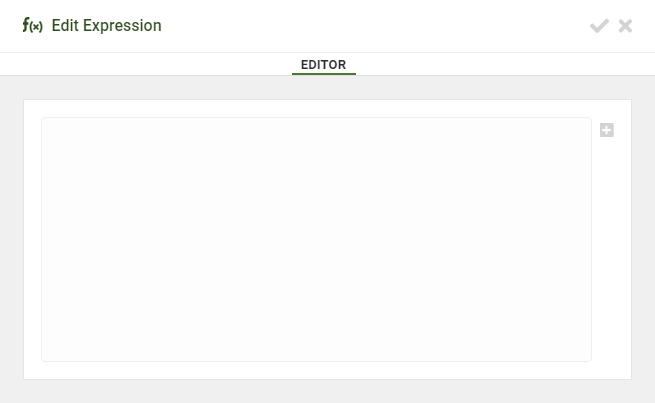
The .png) button will open the expression editor which looks like this:
button will open the expression editor which looks like this:
Report Designer
Expression fields in the Report Designer look like this:


The .png) button in the expression editor can be used to insert a Placeholder or other values into the expression.
button in the expression editor can be used to insert a Placeholder or other values into the expression.